Control the player of AquaSoft Vision, Stages, or SlideShow easily from your sofa. All you need is your iPhone or an iPad. Download the app for free.

How your remote control works via app
With our free app, you can pause, resume, and skip forward or backward in your project or slideshow (version 9 or newer). Jump to any position in your show. All this can be done comfortably from your sofa with your iPhone or iPad. You have control over the entire flow.
Install on Apple device
The remote control app is suitable for your iPhone, iPad, or iPod running iOS 7 or later. Download the app with your device from the iTunes Store.
Log in to the same network
Your Apple device and the computer running the player for AquaSoft Vision, Stages, or SlideShow must be on the same network to establish a connection.
Sit back and control
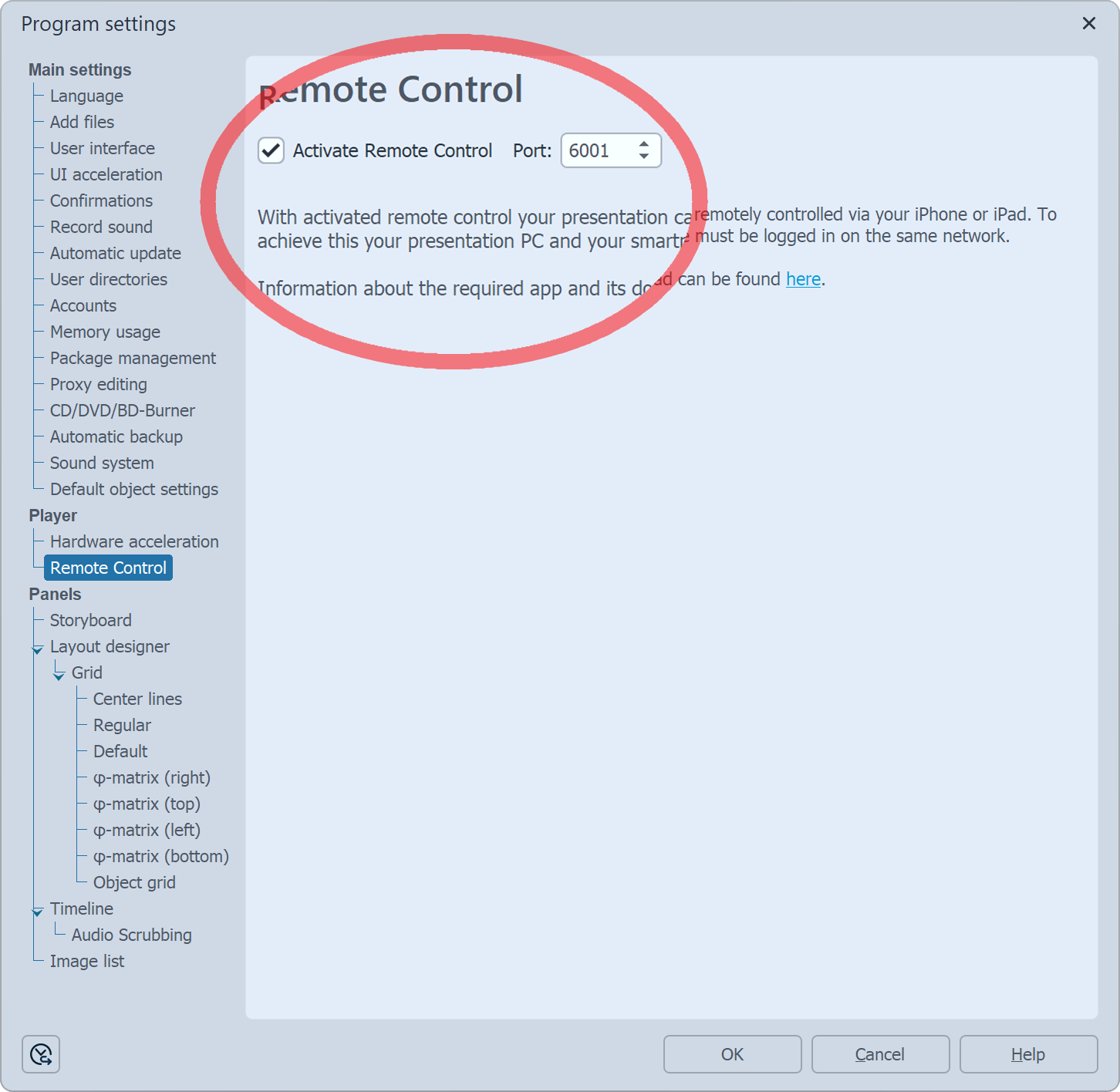
Activate the remote control in the program under "Extras" - "Program settings" - "Player". Then start the player from Vision, Stages, or SlideShow and you can now control it from your Apple device.
Forward, Back, Pause, Play - It's up to you
Maintain control over the flow of your show in any situation. Whether with friends and family in the living room or in front of a large audience with a screen and projector - as long as the app is connected to your computer, you control everything yourself.

Tap to go to the next section
Enjoy the intuitive operation, which works even without looking at the iPhone.

Continue comfortably from the sofa
Easily and comfortably scroll through your photos and videos.

Everything is under control on stage
The app is also suitable for professional slideshow lectures and presentations.
Control your show - Without a mouse and keyboard
Download the app for free from the App Store.
Once you have installed the app on your Apple device, open Vision, Stages, or SlideShow on your computer and navigate to Extras - Program settings - Player - Remote control.
Check the box before Activate Remote Control. Then start the player. The firewall will briefly ask you if you want to allow the app access. Confirm this. You can now control the flow in the player via the app. You can connect your computer to the TV or projector, giving you a large, sharp image in the best quality.
We are happy to help with any questions or problems!
Send us an email to support@aquasoft.net.