|
<< Click to Display Table of Contents >> Torn edge |
  
|
|
<< Click to Display Table of Contents >> Torn edge |
|
 Torn edge You can find the Torn-edge effect in the Toolbox under the Objects tab in the Object effects section. With the Torn-edge effect, you can add irregular edges to photos, videos, shapes, and text, similar to the edges of torn paper. To add torn edges to an object, place it in the effect. |
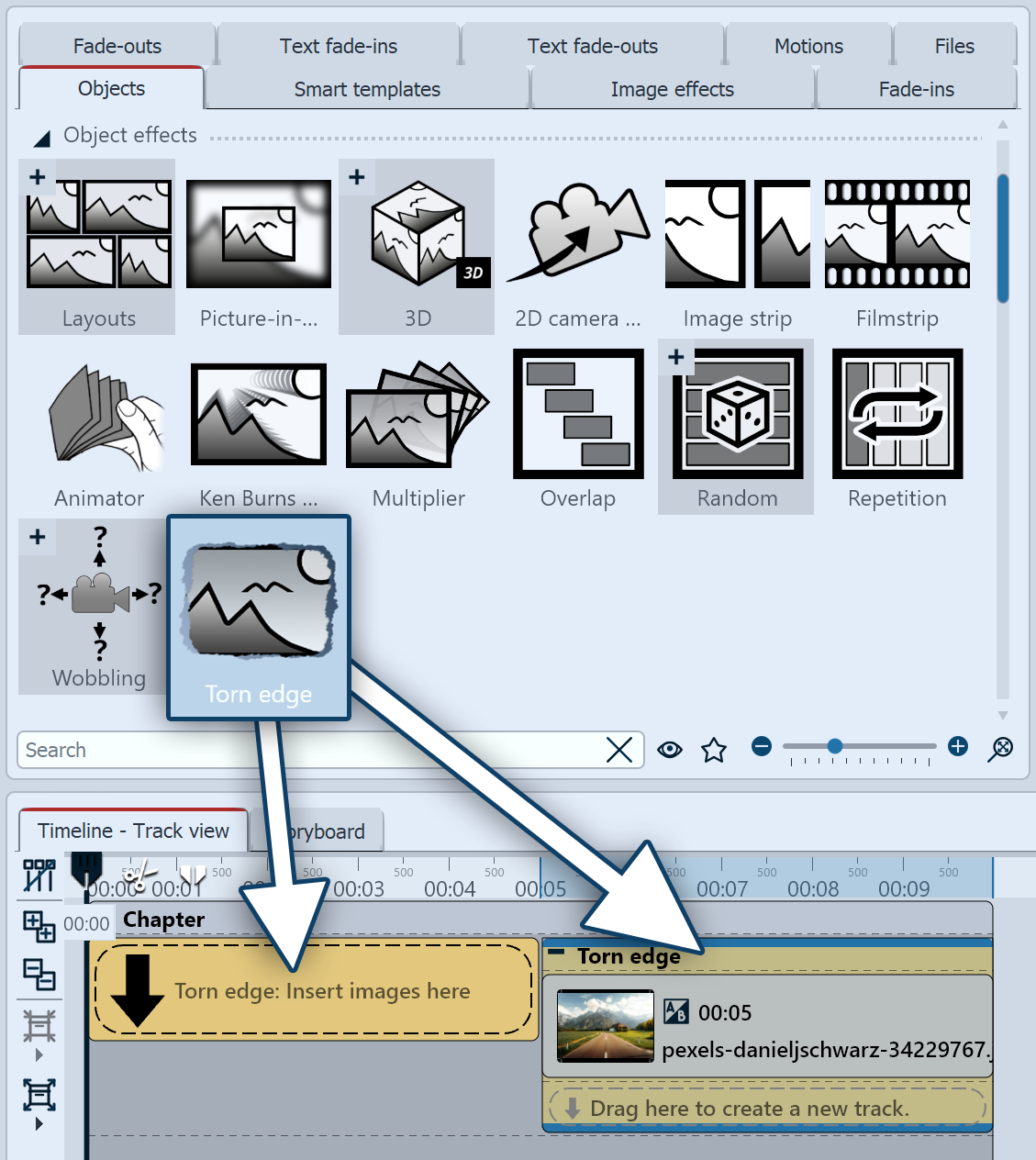 Insert Torn-edge effect 1 Insert Torn-edge effect Drag the Torn-edge effect from the Toolbox into the Timeline. In the Timeline, you will now see a colored box. Insert your image or video here. If there are already images or videos in the Timeline, you can also drag the effect directly onto them. |
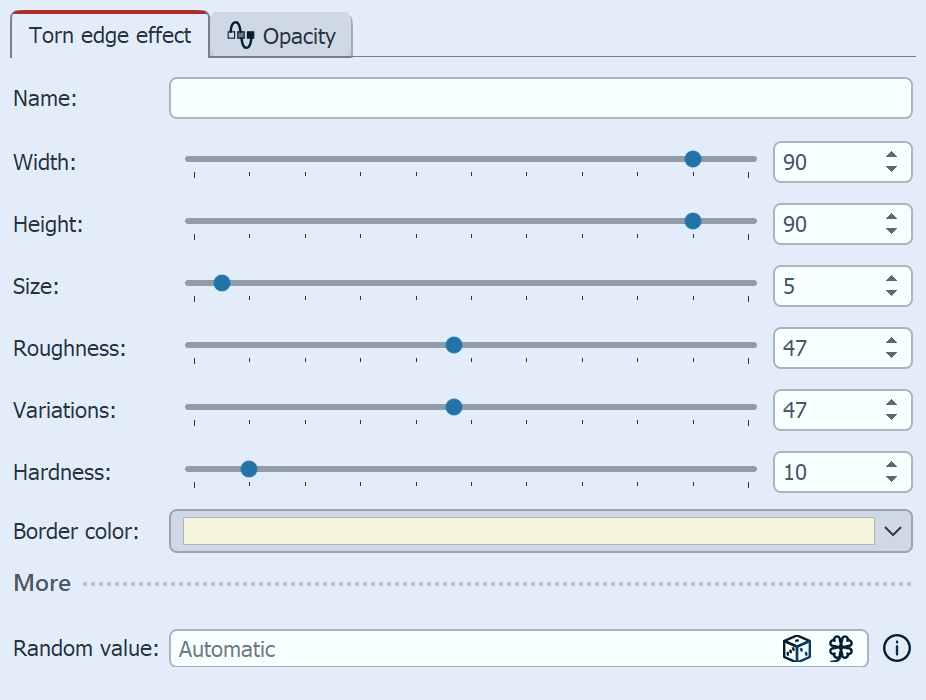 Settings for Torn-edge effect 2 Settings for the Torn-edge effect In the Properties area, you can set specifications for the appearance of the torn edges. |
|
You can see three ways to use the Torn-edge effect in the video "Papier-Risskanten-Effekt animieren". |
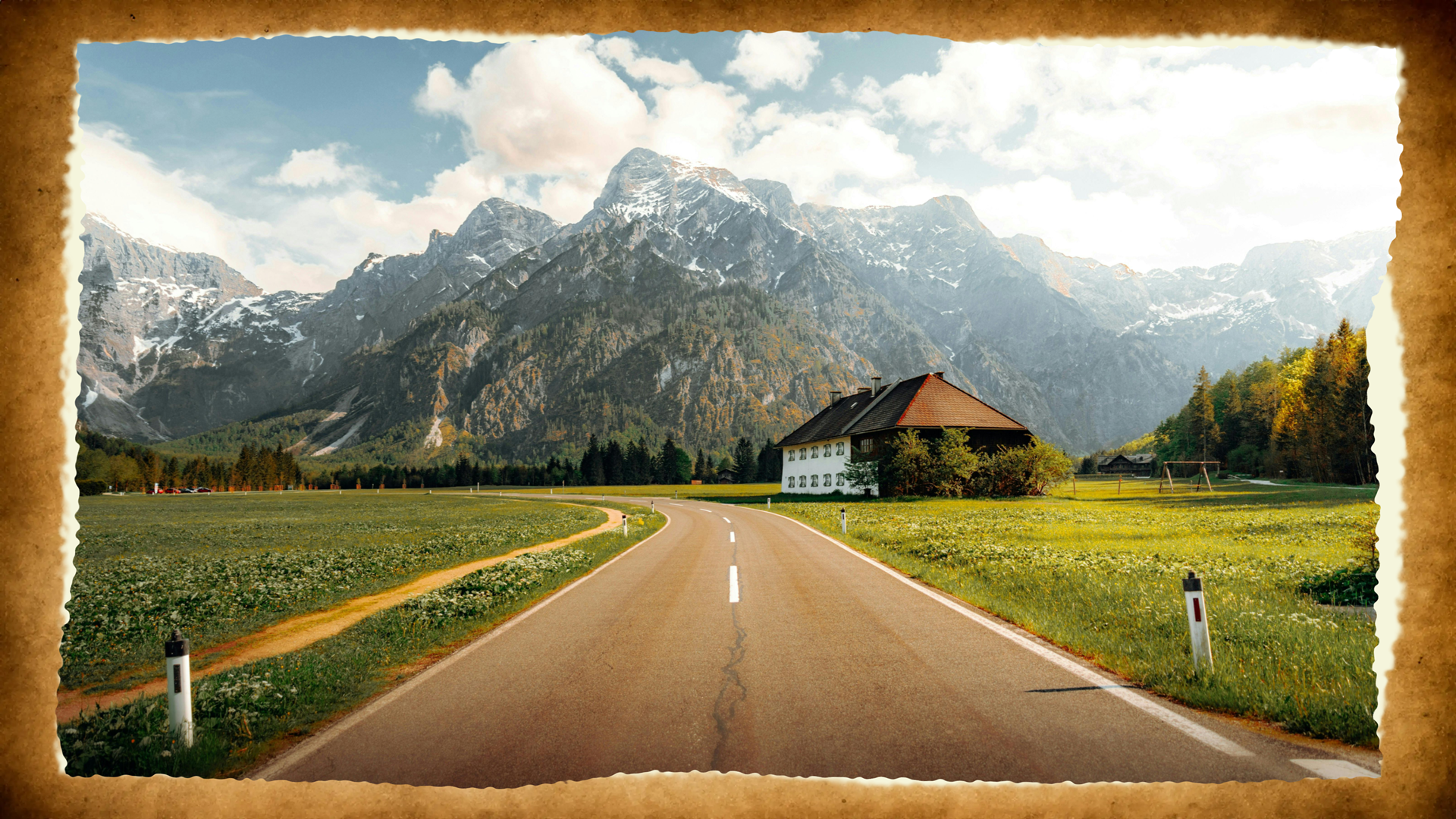 Example of a Torn-edge effect on a photo against a paper background |
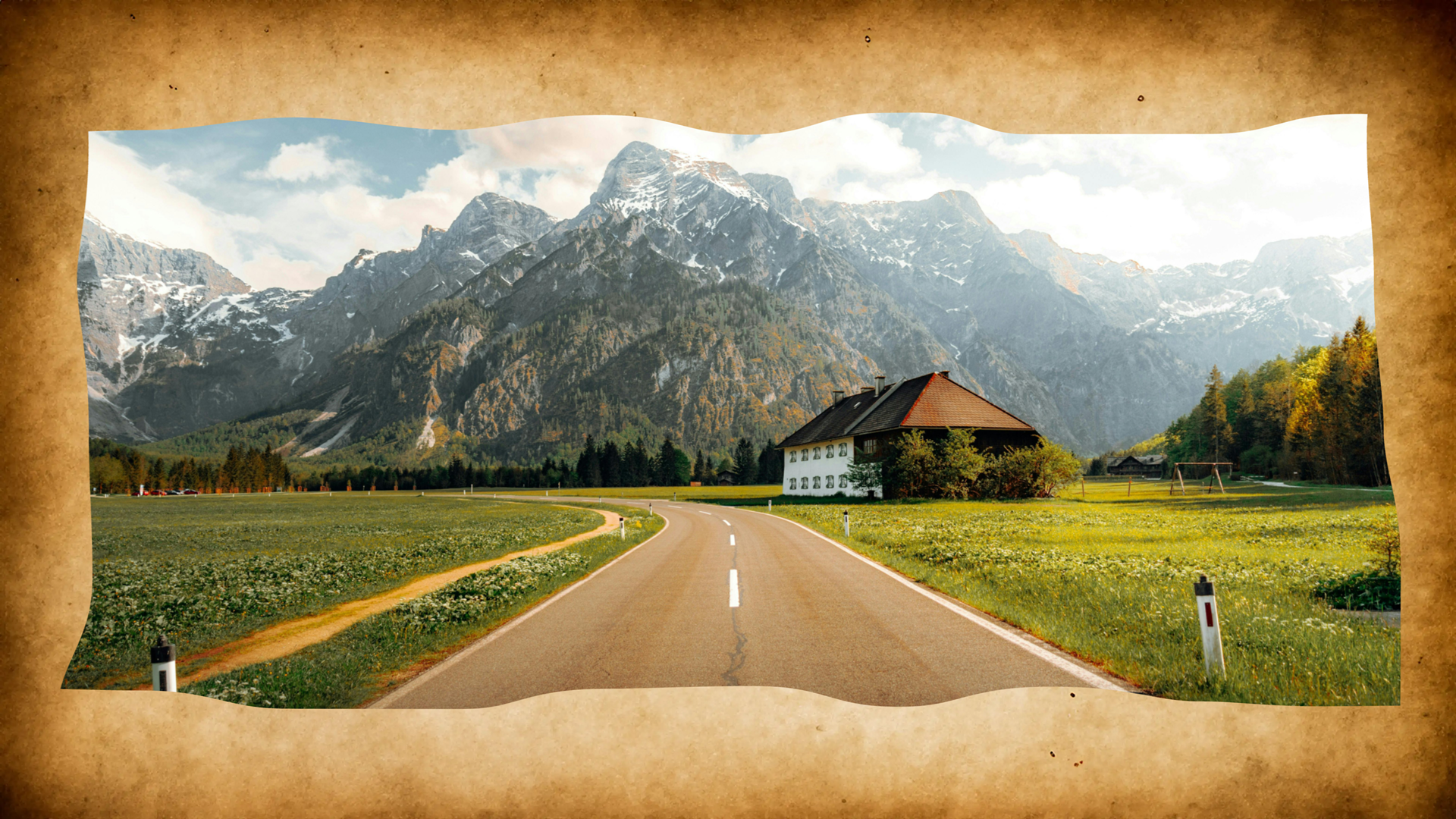 Torn-edge effect with different settings (including transparent border color) |