

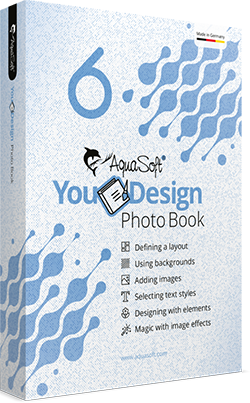
Treasure your memories
with your own personal photo book
Marriage, the birth of your children or great holidays,
use your photos and create truly unique and
wonderful memories with YouDesign Photo Book.

Celebrate the school enrollment
or birthday in a photo book
A great gift for yourself or the grandparents.
Share important moments with friends and family.
YouDesign Photo Book is right tool for you.

A photo book for the wedding,
the best day of your life
Erleben Sie noch einmal die schönsten Momente mit Ihren Gästen.
Durch die YouDesign Photo Book Software schaffen
Sie eine Erinnerung, die bleibt.
Unforgettable memories
Experiences can be sent quickly via mobile phone and forgotten just as fast. Capture holidays, birthdays and your wedding in a book.
Create gifts
Now is the time to get creative! Select the photos and add texts. With funny effects you will surprise everyone with your book.
Free choice of print shop
You have the choice: Have it printed when and where you want. You decide which company you prefer.
Output as PDF
Save your photo book as a PDF file. This output format is compatible with commercial printers and can be easily sent to others for a quick review.
Save money
When it comes to large quantities, you can really save money
You can choose the supplier and find the perfect price offer for your book.
Enjoy your time
YouDesign Photo Book offers quick and easy handling. You can look forward to great photo books and enjoy shared reading moments.
Become a book designer
Now begins your time as a creator! Realize your individual ideas perfectly and and inspire friends and family with great photo books.
Free support
We help quickly and competently with all concerns. Write directly to our support!
In addition, you will receive tips, tricks and inspirations regularly.
Independent Software
Free yourself from the bond between design program and print shop. Benefit from our many years of software experience, Made in Germany.
YouDesign Photo Book in 3 steps
Select format and book type

Add photos and design your photo book
Export printable PDF
This is NEW in YouDesign Photo Book 6
YouDesign Photo Book 6 makes it even easier to create photo books yourself. With our photo book software, you are not tied to a provider or a print shop. You decide for yourself where to have it printed and have much more freedom than with other providers. This not only affects the printing costs, but also paper, edition, quality and other subtleties, where you are completely free.
Color management
YouDesign Photo Book 6 takes into account embedded color profiles when loading your images, so that they are always displayed correctly. If the print shop requires a specific color profile, you can now easily select it when exporting the PDF. YouDesign Photo Book 6 takes care of the rest.

Layouts
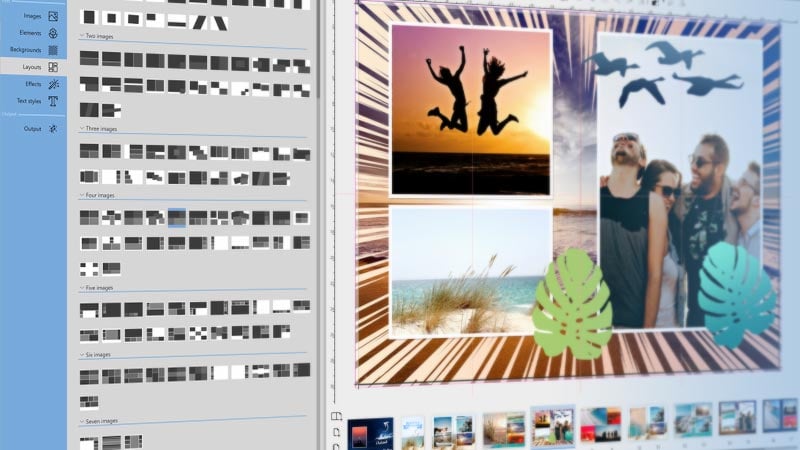
Layouts make it easier for you to arrange the images in a photo book. A total of 390 arrangements are available for different page formats. Especially when several images are to be placed on one page, the layouts offer you creative arrangements with which you can quickly achieve impressive results.
New decorative elements and templates
Animals, flowers, splashes, arrows and much more - over 400 new decorative elements and templates have been added with version 6.

Archive projects
In YouDesign Photo Book 6 you can now archive your projects. All files used in a project are exported to a folder. This way you can transfer your projects to another computer or simply back them up to be able to edit them again at any time.
Support of HEIF format
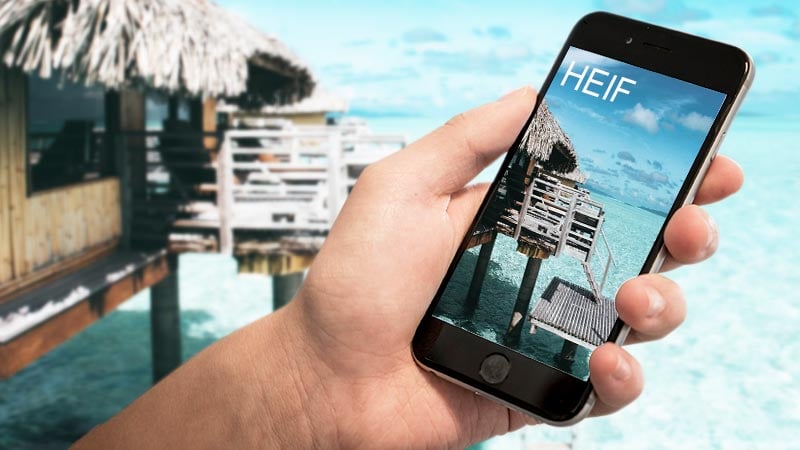
What is HEIF? This is a flexible container format for images that can contain a lot of information. At Apple it is also called HEIC. If you are using an operating system with HEIF support, YouDesign Photo Book 6 can also handle it.
Separate double pages or Layflat
In classic photo books, double pages are separated. As a result, content that lies in the fold is often no longer clearly visible.
In Layflat photo books, the double pages lie flat, it is usually thicker photo paper and the nice thing is that the pages in the middle are not separated. This way, large photos that extend over two pages are particularly effective.

Enjoy your memories
Create your photo book with YouDesign Photo Book. Enjoy your favorite moments as many times as you like.
DownloadFunctions at a glance
Insert images
Keep track. Favorite photos can be collected in the personal storage area. If you have already used the images, a small check mark appears. This way you always have control over your book.
Design with elements
Give your photo book the finishing touch. In the past, you glued stickers into your photo album, now there are even more great elements for designing. The emoji construction kit is particularly exciting.
Use backgrounds
Monochrome, color gradients or patterns - you have a large selection of backgrounds. Small adjustments to the background designs ensure that your photos are in the foreground.
Define a layout
When you need to be quick: Use your favorite layout from our templates! You determine the number and size of the images. So the layout remains firmly in your hands for each page.
Magical image effects
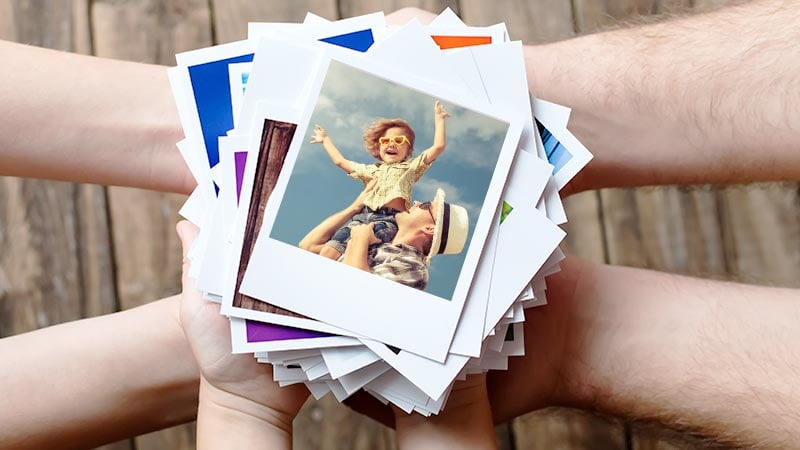
Do you like the look of Polaroid photos? Apply exciting frames and filter effects to your photos. Highlight your most beautiful memories once again.
Use text styles
Funny anecdotes and exciting adventures - tell the story behind your pictures. Choose the right font and design your photo book completely individually.
YouDesign Photo Book 6
For yourself or as a personal gift. Create your own personal photo book and capture your most important memories. You decide for yourself where and how you want to print and so have the full control of all costs.
Inspirations and tips
We want to help. Numerous explanations and first-class support are always there for you.

Output photo book as PDF
Do you want to output a photo book as a PDF? Do you want to create a photo book and print it yourself? With the YouDesign Photo Book software, you have exactly the right tool at hand. We are not a print shop, but a software developer since 1999. This way you get a flexible software, created with all our many years of expertise. Where with other providers the design program is only a means to an end, here you get a full-fledged design program! Rely on a piece of quality work that is maintained with a lot of experience. In addition, you have a contact person who can help you directly.
You decide for yourself where to have your photo book printed! With the YouDesign Photo Book software, you can easily print your photo book yourself or at a print shop of your choice. If you want to send your photo book by email, save it in the suitable PDF format. With the YouDesign Photo Book software, you remain maximally flexible. What you invest in the software, you will get back several times later. In the end, you save more than with a provider with free software and a binding to a print shop. Save now in the long term on every single book, as well as on large quantities.
Create and print a photo book yourself
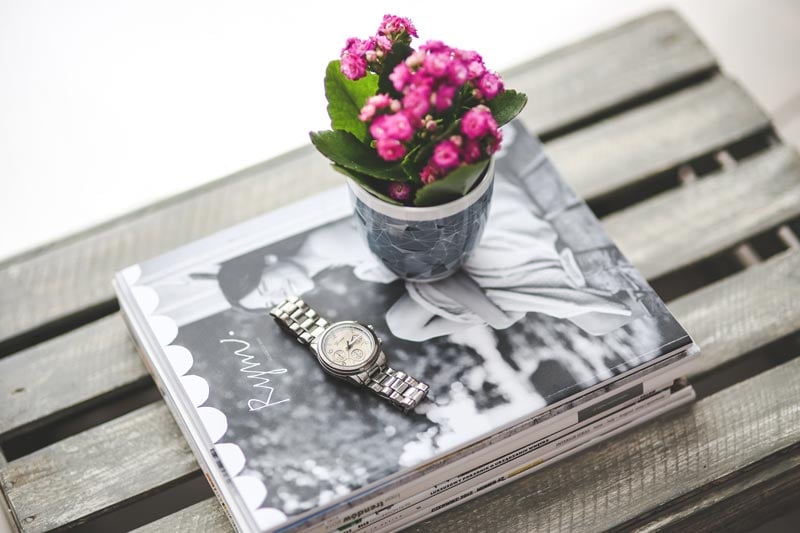
Design your very own photo book. With YouDesign, you get a photo book software with which you can print yourself. In the program itself, you have all the possibilities of design at your disposal. Get creative and design individual memories of your wedding or last vacation. You can arrange your photos, images and texts completely freely in the page layout. In addition, benefit from our layout templates for individual pages or the complete book templates. Be inspired by our versatile suggestions. You become a designer and can create and print your personal photo book yourself. Installed for free, you can test our photo book software for 30 days.
Your photo book can be printed in various qualities. You decide for yourself the paper thickness and gloss properties at your print shop. Go your own way or follow the standard. With the YouDesign Photo Book software, you are not tied to a print shop and can print your photo book yourself. At home, in the copy shop next door or at an online print shop - you will remain flexible in your decision in the future.

Make a photo book yourself
Do you need some inspiration for your photo book? Now you can get the following tips for free:
With YouDesign Photo Book, you have an excellent photo book software for self-printing at your disposal. But what goes into the photo book now? How about surprising your boyfriend or girlfriend with a unique gift? In a personal photo book, you can enjoy the most beautiful memories of your trip together or from your vacation at any time.
Especially with children, time seems to fly by! Let your entire family share in your baby happiness. In a photo book, you can capture the sweet baby photos of your child. The whole family will be happy about a self-made photo book.
How about a photo book of your wedding? For yourself or as a gift for your guests: enjoy the most beautiful moments of your special day.
System requirements
- Operating systems: macOS from version 10.14 (Mojave), Windows 11 and 10; both 32-bit and 64-bit systems are supported
- Processor: 2 GHz, multi-core processor recommended
- RAM: 4 GB